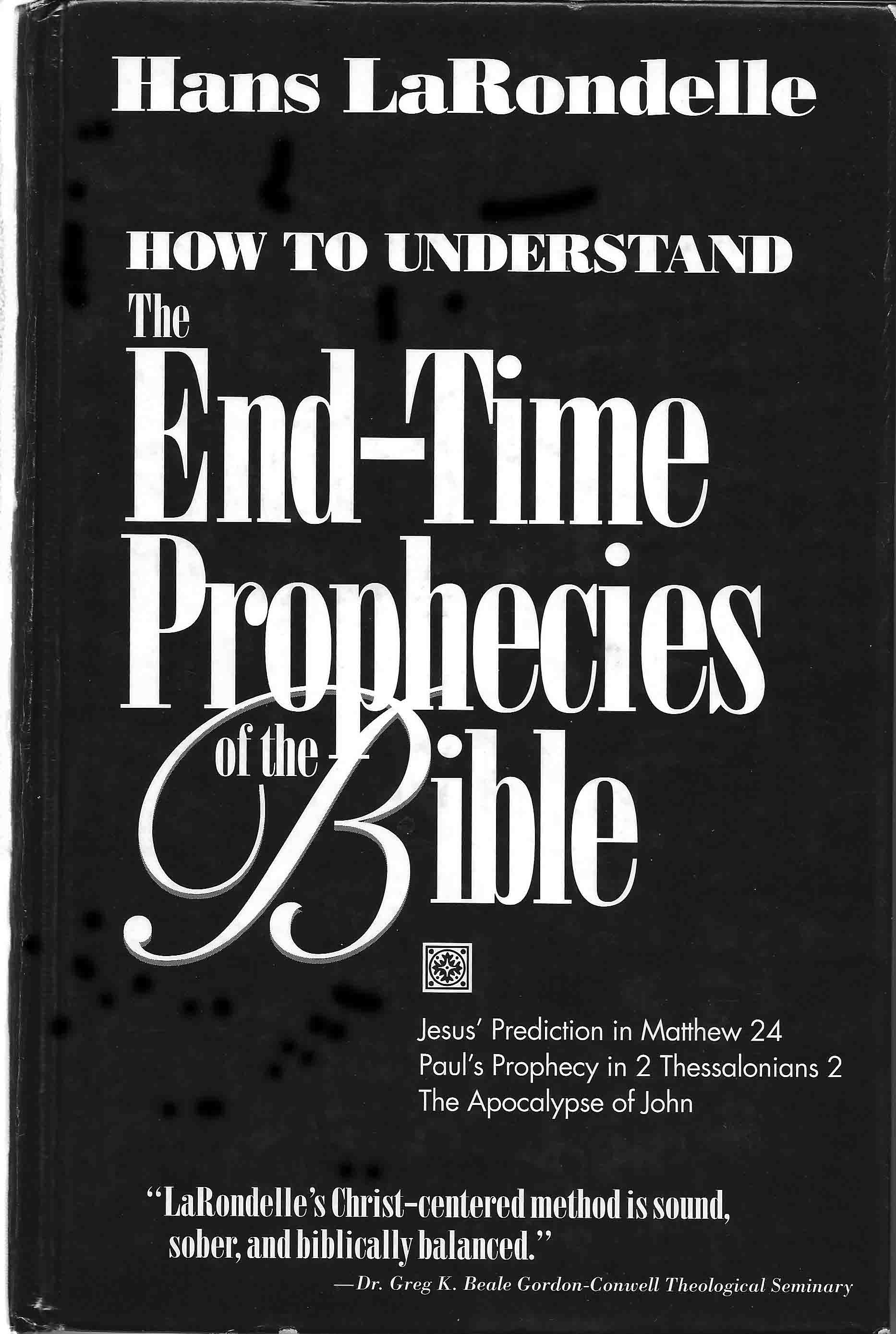
How to Understand the End-time Prophecies of the Bible
by Hans K LaRondelle, Th.D.
-
Jesus' Prediction in Matthew 24
-
Paul's Prophecy in 2 Thessalonians 2
-
The Apocalypse of John
The Apocalypse borrows its symbols, images, and terms mostly from the Old Testament. These cannot be understood therefore in isolation from their Hebrew roots. To read the Apocalypse within its wider biblical context requires that we first acquaint ourselves with the Old Testament Scriptures, with their way of speaking and with their prophetic language. Our authoritative example for the Christian application of the end-time prophecies will be the way Christ and the apostle Paul used the apocalyptic symbols of Daniel's book. Jesus' prophetic discourse in Matthew 24 (and parallels) and Paul's prophetic outline in 2 Thessalonians 2 constitute the two indispensable links between the books of Daniel and Revelation. Both Jesus and Paul apply the forecast of Daniel 7-12 in some respect to their own times as well as a future fulfillment. As Christian believers, we should derive our principles of prophetic interpretation from their historical applications of Daniel. These hermeneutical (interpretative) principles are of decisive importance for our understanding of the end-time prophecies in the Bible.
This book is Biblical Scholarship at it's best, and has become a classic. It has changed the way end-time prophecies are interpreted and should be in every pastor's and Bible student's bookcase.
"LaRondelle's Christ-centered method is sound, sober, and biblically balanced."
- Dr. Greg K. Beale, Goddon-Conwell Theological Seminary.
E-Book Format Available for Kindle and EPUB files.
You will need an ebook reader to read this book. If you do not have one, you can dowload a free reader to install on your computer, you can download a free copy of Calibre EBook or Kindle for your desktop by clicking on the icon to the right.
 ® ___ ______
Purchase Now: only $10
You will receive two files. One (EndTimeProphecies.mobi) for use with the Amazon Kindle® Reader and (EndTimeProphecies.epub) for use with Barnes and Noble Nook®, Calibre® or other Electronic Book Readers.
Watch for an email with instructions for downloading your files!